ZATCA Phase 2 integration for your existing POS and ERP
Cicada Solutions connects the systems you already run to ZATCA's Fatoora platform, so every invoice is generated in the required format, stamped, cleared or reported on time, and visible to the people who fix problems, without replacing your POS or ERP.

- 01Keep your current POS or ERP
- 02Clearance and reporting handled
- 03Offline-safe by design
- 04Failures visible the same day
Phase 2 is a connection, not a new invoice template.
Phase 1 asked for a compliant system that generates and stores e-invoices. Phase 2 asks that system to talk to Fatoora for every invoice. Most of the risk sits in that connection.
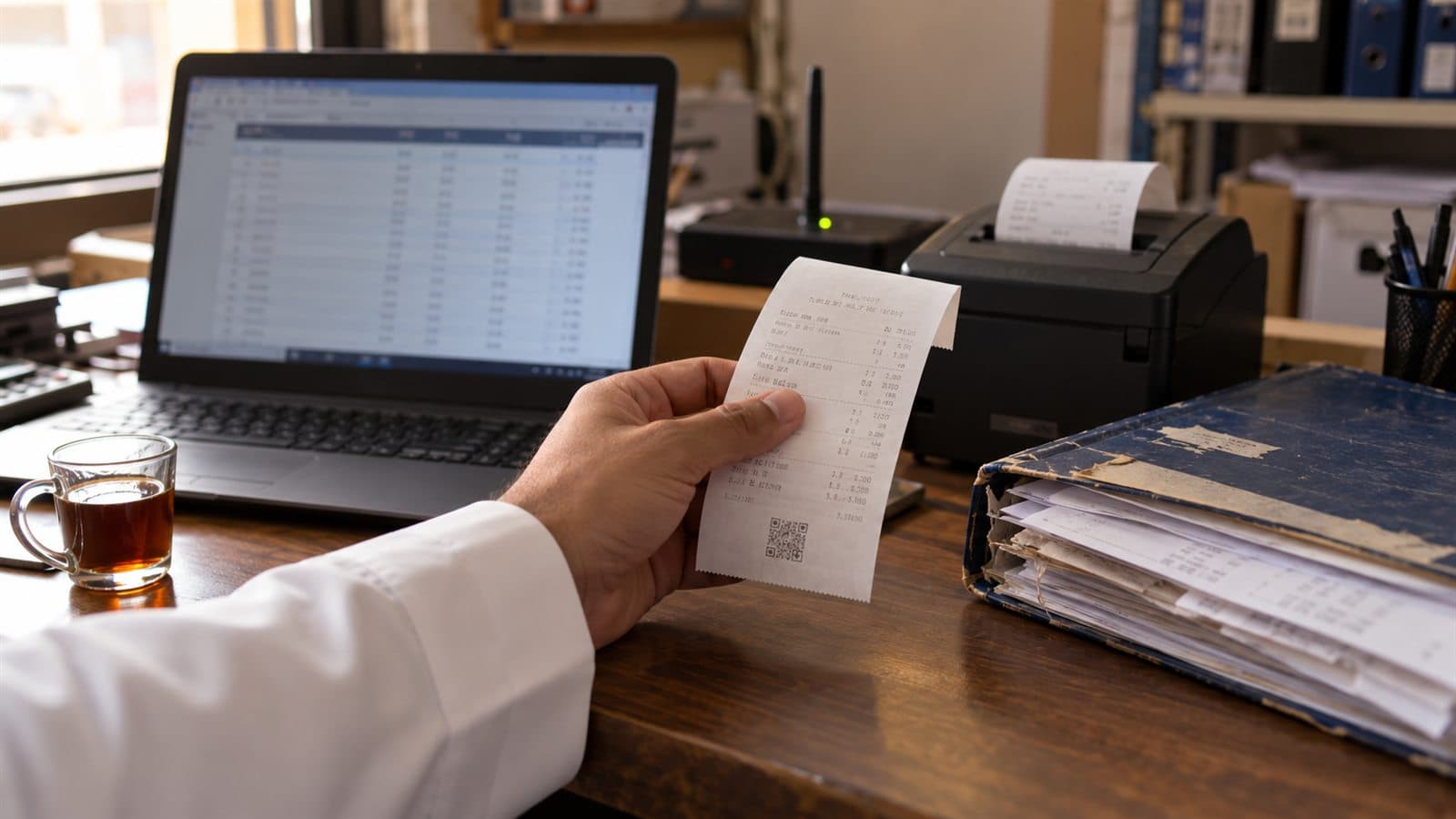
Your system was built for Phase 1
It prints an invoice with a QR code, but it does not produce the XML, the cryptographic stamp or the API call that Phase 2 requires.
Business and consumer sales take different routes
Standard invoices to businesses must be cleared by ZATCA before the buyer receives them. Simplified invoices to consumers are reported within 24 hours. Many businesses issue both, from different tools.
The connection will drop
A counter that stops selling when the network fails turns compliance into an operations problem. Invoices need to queue and report inside the window when the line returns.
Rejections stay invisible
Without a status view, a rejected or failed invoice is discovered weeks later, often when a customer complains or a notice arrives.
From your notification to invoices that clear on their own.
Every Phase 2 integration follows the same path. The work is in doing each step properly for your systems, branches and invoice types, and testing it before the deadline rather than in the last week.
- 01
Confirm your wave and map every invoice source
Check your ZATCA notification and deadline, then list each system that issues invoices, which invoices are standard and which are simplified, and how each branch connects.
- 02
Register each invoicing unit on Fatoora
For every invoicing unit, a certificate request and the one-time password from the Fatoora portal produce a compliance CSID. After the compliance checks pass, the production CSID is issued.
- 03
Produce the invoice ZATCA expects
Each invoice is generated as UBL 2.1 XML with the required fields, an invoice counter and the hash of the previous invoice, then signed with the cryptographic stamp and given its Phase 2 QR code.
- 04
Send each invoice down the right route
Standard invoices go through the clearance API and are shared with the buyer only once cleared. Simplified invoices are issued at the sale and reported within 24 hours.
- 05
Keep selling when the network drops
Invoices issued offline wait in a controlled queue with retries, and are reported as soon as the connection returns, inside the reporting window.
- 06
Show what cleared, reported, warned or failed
A status view gives finance the result for every invoice, with ZATCA's reason for any warning or rejection, so problems are fixed the same day.
ZATCA's e-invoicing detailed guidelines are the reference for every step. This page is not tax advice; confirm your obligations with ZATCA or a qualified tax adviser.
What the integration layer handles for every invoice.
- Standard and simplified invoice routing
- UBL 2.1 XML generation
- CSID onboarding per invoicing unit
- Cryptographic stamp and QR code
- Invoice counter and hash chain
- Clearance for standard invoices
- Reporting within 24 hours
- Offline queue with retries
- Credit and debit notes
- Rejection and warning dashboard
- Invoice archive and audit trail
Different invoicing patterns need different integration shapes.
Restaurants, cafés and retail
Mostly simplified invoices at a counter, where the pressure is on speed, offline behaviour and reliable reporting within 24 hours.
- Reporting from the POS
- Offline queue per device
- Daily reporting status
Distributors, contractors and suppliers
Mostly standard invoices issued from an ERP or invoicing tool, where clearance sits inside the sale-to-delivery loop.
- Clearance before sharing
- Credit and debit notes
- Buyer VAT number checks
Mixed and multi-system businesses
Invoices from a POS, an ERP and a few manual sources, brought into one integration layer with one place to monitor them.
- One layer for every source
- Units per branch or device
- Central exception queue
Connect directly, or through a compliant provider.
There are two sensible routes. Build the Fatoora connection into your own system, or use a compliant e-invoicing provider for the regulated core while Cicada connects it to your POS and ERP. For most operators the second route carries less risk.
The custom system
One record of truth. Each connection has an owner and a failure path.
- 01
Your POS
Invoices are created where the sale happens, so cashiers keep their normal flow and nothing is re-keyed.
- 02
Your ERP or accounting system
If your ERP vendor already ships a compliant module, use it. Where it does not, or the system is custom, Cicada builds the link.
- 03
Fatoora platform APIs
Compliance, clearance and reporting endpoints, called with the right CSID for each invoicing unit.
- 04
Compliant e-invoicing provider
An optional middleware layer for the regulated core, connected to every system that issues invoices.
- 05
Alerts
Rejected or stuck invoices raise an alert to an owner in finance by email or message, with the reason attached.
- 06
Archive
Every XML, stamp and response stored against the original sale for retention and audit.
What we have published on ZATCA.
We follow each integration wave and filing rule closely and publish what it means for operators. These briefs explain the rules this page is built on.
Saudi Tech Brief
ZATCA Wave 24
Taxpayers above SAR 375,000 in VAT-subject revenue, with a 30 June 2026 deadline to integrate with Fatoora.
Open proof02Saudi Tech Brief
ZATCA Wave 25
The threshold drops to SAR 187,500, with integration due by 1 February 2027.
Open proof03Saudi Tech Brief
Fines exemption ends 31 December
Returns due after 30 June 2026 are not covered, so each VAT return now rests on clean invoice data.
Open proofJudge the integration by invoices nobody has to chase.
A good integration is boring: invoices clear or report on time, failures are rare and visible, and finance stops correcting them by hand. Measure each against a baseline taken before go-live.
Coverage
Measure whether every invoice source is integrated.
- Invoicing units onboarded
- Invoices issued in Phase 2 format
- Manual invoices still outside the system
Timeliness
Measure whether invoices reach ZATCA when they should.
- Simplified invoices reported within 24 hours
- Standard invoices cleared before sharing
- Age of the offline queue
Errors
Measure how often invoices fail and how fast they are fixed.
- Rejection rate
- Warnings by reason
- Time to resolve a failure
Effort
Measure how much manual work the integration removes.
- Invoices re-keyed by hand
- Finance hours spent on corrections
- Notices or complaints received
During discovery, Cicada agrees the baseline, target, measurement owner and review window with you. Compliance remains your responsibility; results depend on data quality and operating decisions and are not guaranteed.
Integration is not always the right answer.
If your POS vendor already ships a compliant update, take it. If the system is old, unsupported or due for replacement anyway, replacing it can cost less than integrating. Custom integration earns its place when the system works for your business and only the Fatoora link is missing.
| Decision | Replace the system | Integrate what you have |
|---|---|---|
| Disruption | New screens, new training and data migration for every branch. | Staff keep the system they know; the change happens behind it. |
| Cost | Licences, migration and rollout across every branch. | Focused on the integration layer, onboarding and testing. |
| Time to deadline | Depends on the rollout of a whole new system. | Depends on onboarding and testing each invoicing unit. |
| When it is right | The current system is unsupported or already failing the business. | The current system fits the operation and only the e-invoicing link is missing. |
Answer the expensive questions before the deadline.
Each page resolves one question finance and operations teams ask about Phase 2.
ZATCA Wave 24 deadline
What the integration phase means at the counter and in accounting.
Open pageZATCA Wave 25 for small businesses
Why most VAT-registered businesses are now in scope.
Open pagePOS and invoicing software
When the right answer is a new POS with invoicing built in.
Open pageRestaurant POS software
Simplified invoices, offline service and reporting at the restaurant counter.
Open pagePOS requirements guide
The full checklist for VAT, e-invoicing, payments and branches.
Open pageCustom ERP development
When invoicing should come from one system shared with stock and finance.
Open pageStart with an invoice inventory. Prove it in the sandbox.
- 01
Invoice inventory
List every system, branch and device that issues invoices, and every invoice type each one produces.
- 02
Route design
Choose direct integration or a compliant provider for each source, and design offline and failure behaviour.
- 03
Sandbox and compliance checks
Build against ZATCA's sandbox and pass the compliance checks for every invoice type before production.
- 04
One-unit pilot
Go live on one invoicing unit or branch, watch every result for a full trading cycle, then fix what appears.
- 05
Rollout and monitoring
Onboard the remaining units and hand finance a status view and an exception process they own.
Keys and certificates
CSIDs and private keys are stored securely per invoicing unit, with access limited and renewal planned before expiry.
Data and hosting
Invoice archives are kept for the retention period you need, and customer data is handled in line with PDPL.
Ownership and support
The client owns the custom integration code and IP by default, with a documented path for support as ZATCA's rules evolve.
Built in Riyadh, close to the deadlines.
Phase 2 arrives in waves set by revenue, and each wave is notified at least six months ahead. Wave 25 covers taxpayers whose VAT-subject revenue exceeded SAR 187,500 in any year from 2022 to 2025, with integration due by 1 February 2027. Cicada is based in Riyadh and works with businesses across the Kingdom.
Practical answers before the first conversation.
01Is Cicada an e-invoicing solution provider?
No. Cicada is a software company. We connect your systems to Fatoora, either directly or through a compliant provider you choose, and each invoicing unit passes ZATCA's compliance checks during onboarding.
02How do we know which wave we are in?
ZATCA notifies each targeted taxpayer, at least six months before the integration date. Confirm your status from that notification rather than assuming from the revenue threshold alone.
03Do we have to replace our POS or ERP?
Not usually. If your vendor ships a compliant update, use it. If the system works for you but cannot connect, an integration layer adds Phase 2 without changing how staff work.
04What happens when the internet drops?
Simplified invoices are still issued at the sale and held in a queue, then reported when the connection returns, inside the 24-hour window. Standard invoices wait for clearance before they are shared.
05What is the difference between clearance and reporting?
Standard tax invoices, usually to businesses and government, are cleared by ZATCA before the buyer receives them. Simplified invoices, usually to consumers, are issued first and reported within 24 hours.
06How long does an integration take?
It depends on the number of systems and invoicing units. A first unit can often be built and tested in a few weeks, but onboarding every branch and passing checks for every invoice type takes longer, so plan ahead of your deadline.
07Is this tax advice?
No. Cicada handles the software integration. Confirm your specific obligations with ZATCA or a qualified tax adviser.
Show us which systems issue your invoices today.
Tell us your wave and deadline, the systems that issue invoices and how your branches connect. We will respond with the integration route we would recommend and why.
- Your ZATCA wave and deadline
- Systems and devices that issue invoices
- Share of business and consumer invoices
- Branches and how reliable their connection is